


I was going to write a post sharing with you how to go about truncating and then other brilliant minds did it first so I will share with you some of the information out there.
I went into my feed and changed my post to a truncated feed. It was very easy to do.
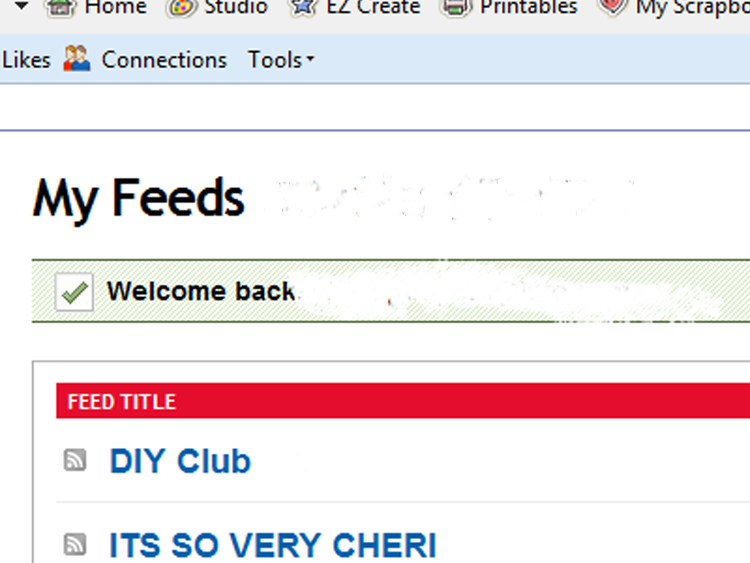


#1–Go to your feedburner account
#2– If you have more than one account click on the account that you want to work on. If you don’t have more than one account you will just go click the one account.
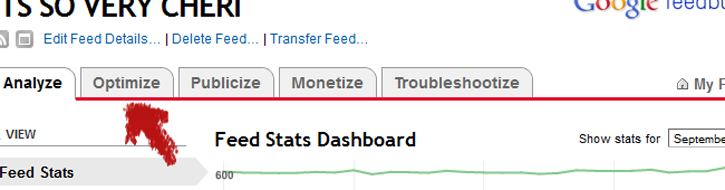

#3–Click on the OPTIMIZE tab at the top
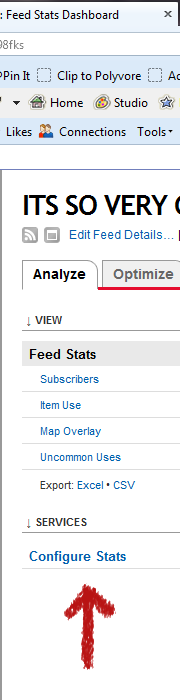

#4 Click on CONFIGURE STATS
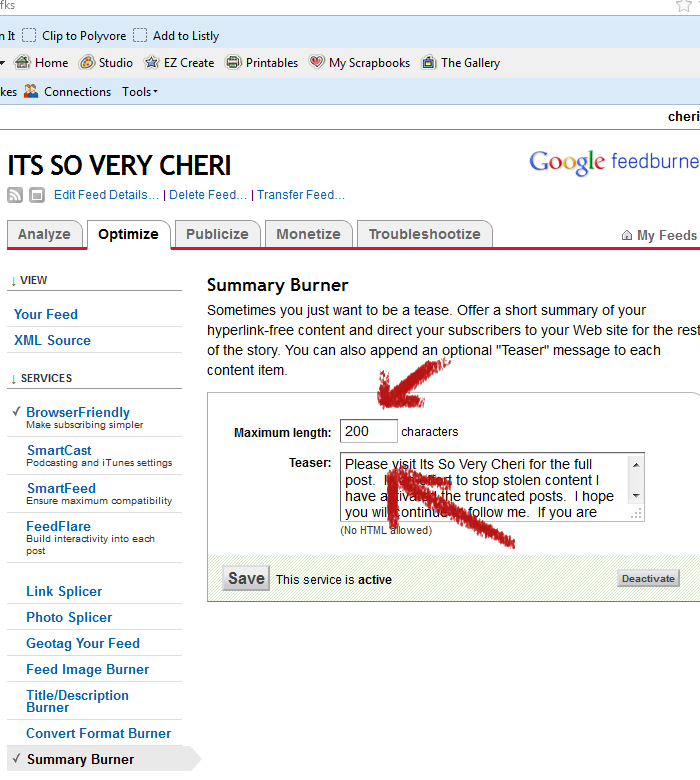

#5 Click on Summary Burner.
#6 The maximum length automatically came up as 200. If you want to change it you can. Then add in the text that you want in the TEASER-SAVE and you are done.
If you want to add a photo to your feed and you are in WordPress you can follow the tutorial at This Bold Girl. If you are too afraid to do it yourself she is charging a small fee to do it for you. I did it and it took about 30 seconds to grab it and add it in.
Beth from Home Stories to Z shared info on truncating with a plugin. I know some people have been able to get it to work but other people (like moi) had their content disappear after adding it. I think it is just a problem with 2 different plugins that aren’t playing nice together so you might have no problem at all.
If you are not on WordPress and need to do it on blogger, Gina from The Shabby Creek Cottage shared how to go about truncating on Blogger.


{ 0 comments… add one now }