




 Do you Pin? {Pinterest}
I love it because it is like your own fashion magazine, a place to store ideas, things you would like to put in your home, projects you would like to do, recipes to try, place you would like to visit…the list goes on and on and on. It is addictive.
If you need an invite to join Pinterest I would be happy to send you an invite. I just need your e-mail–leave me a comment or e-mail me cheri.peoples@live.com

You will see the “P” on my side bar–click and it will take you to my page–follow along and I will follow you as well.
Here are a few things that I am featuring today from Pinterest.
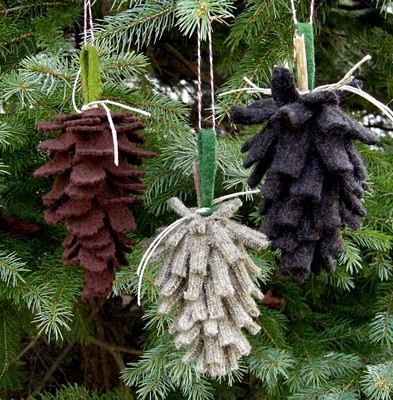

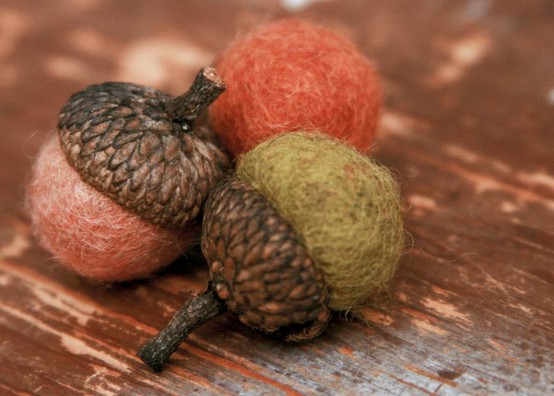

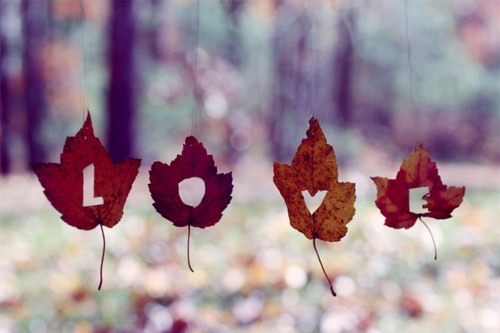

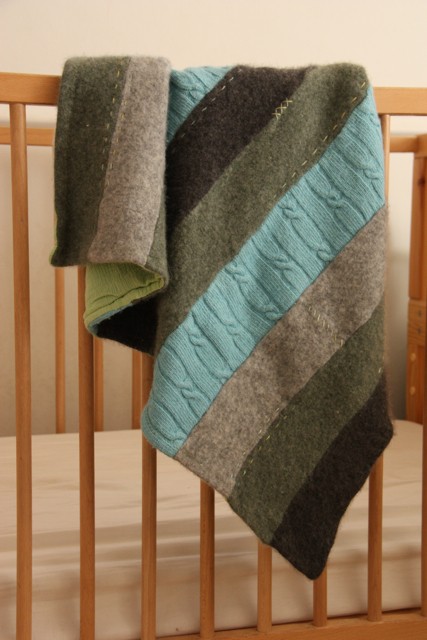

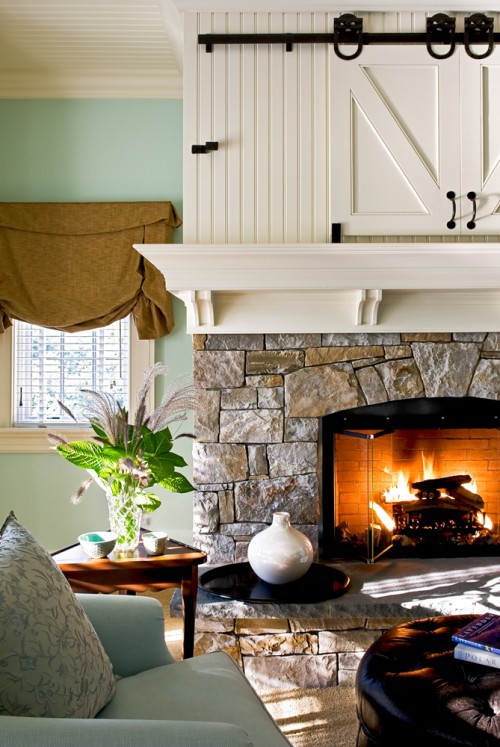

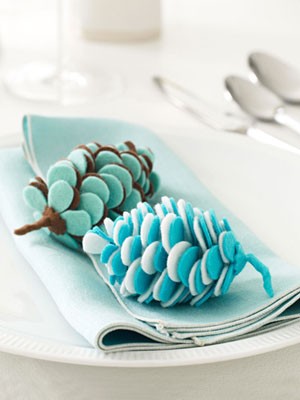

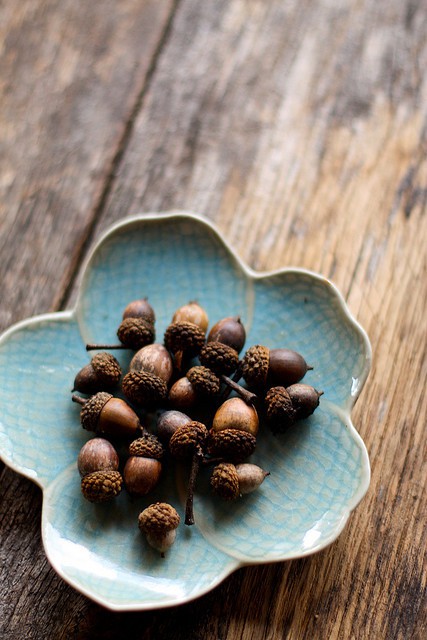


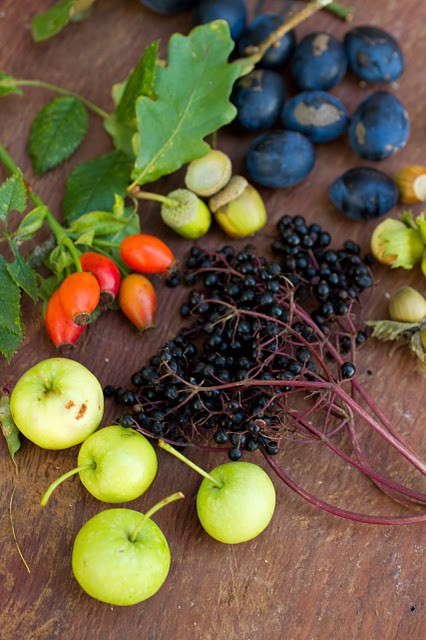


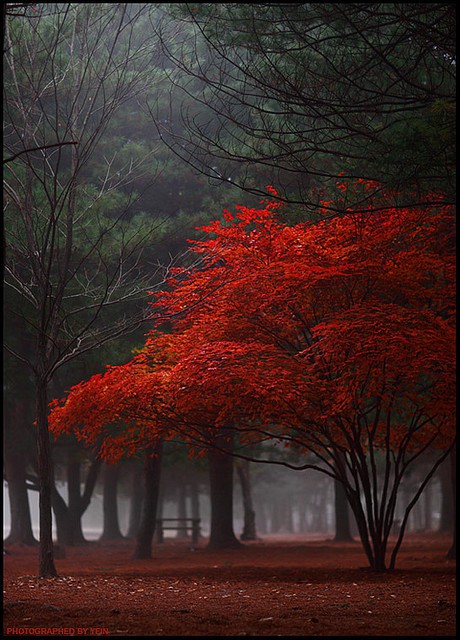



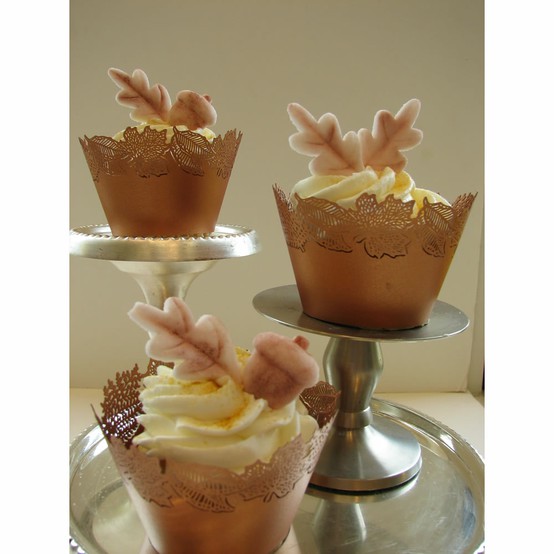

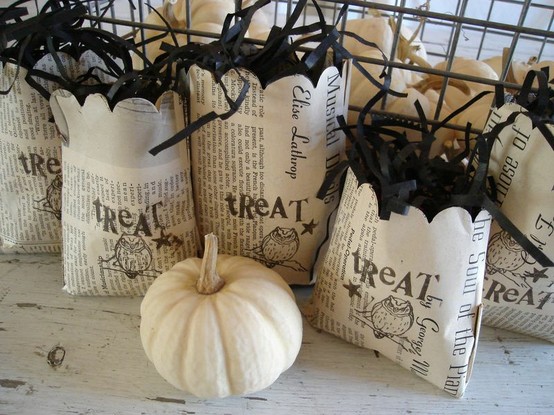

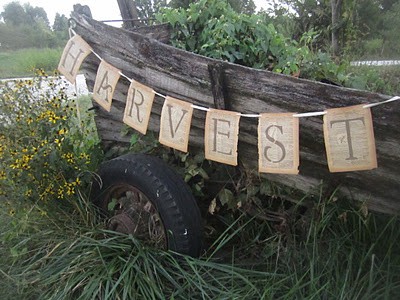

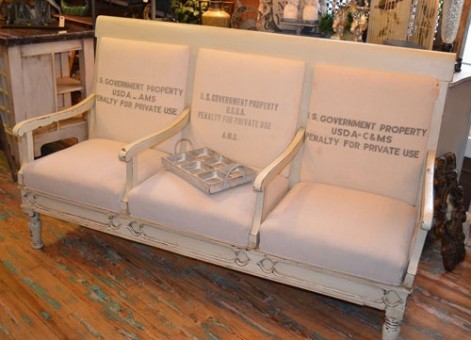

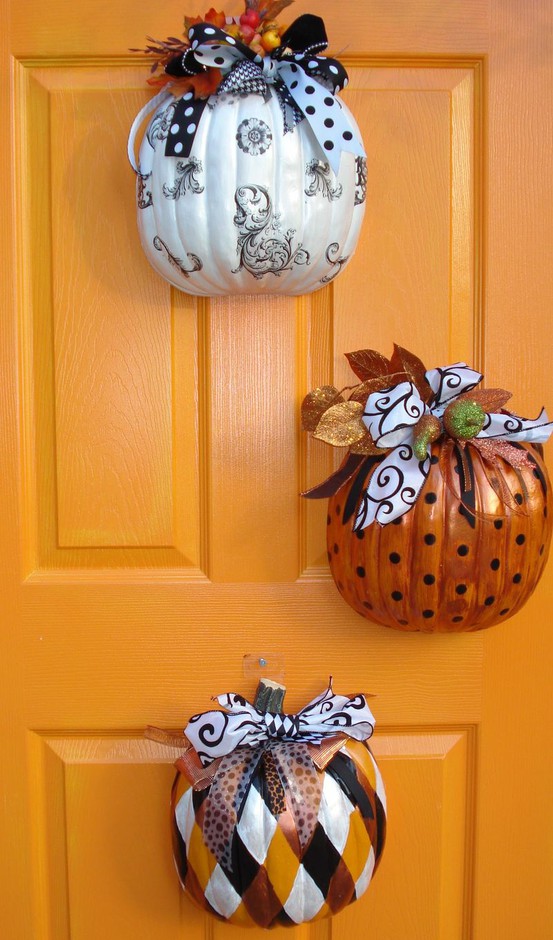

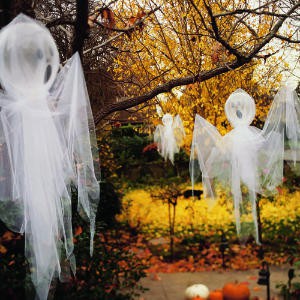

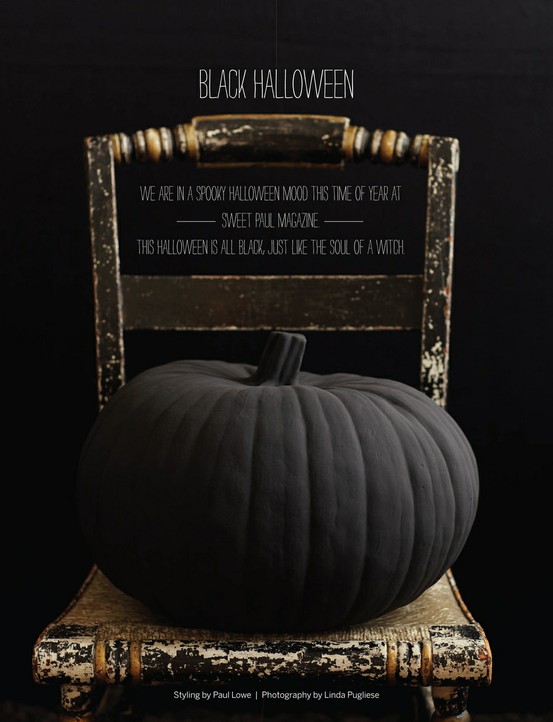

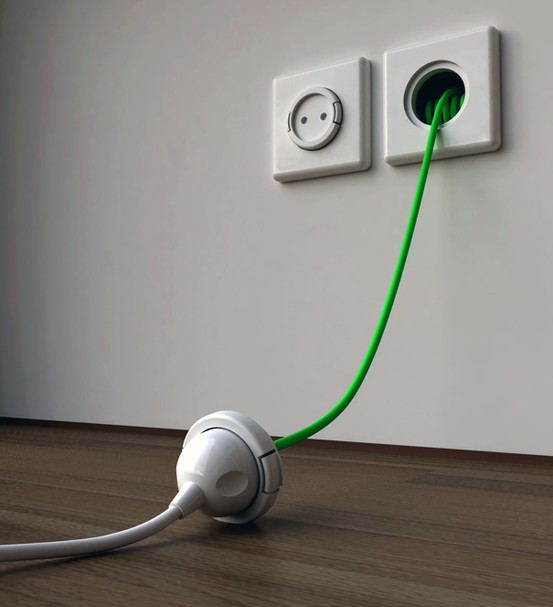
Although I have shown you a lot of cool decorative ideas for Fall today. Here is a cool PIN that I grabbed yesterday–Brilliant–an extension cord built into the wall.

You can get all kinds of inspiration for cool signs too.
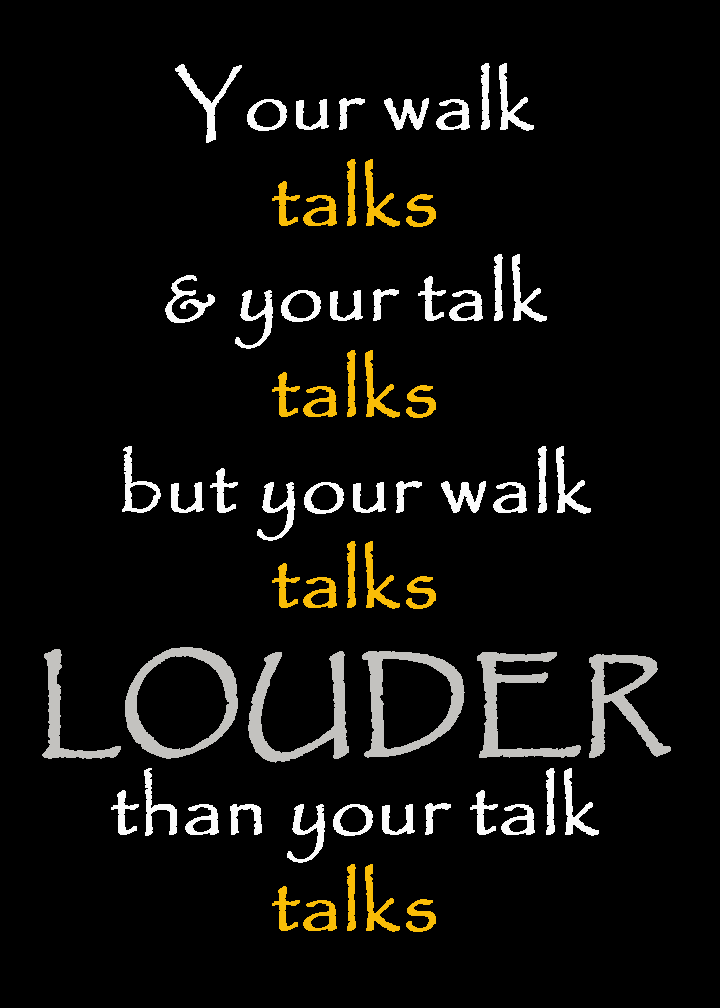


And when you need a laugh you can find some really finny things like:
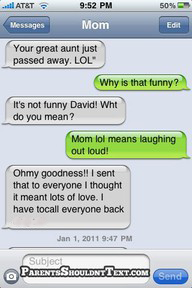
HAPPY PINNING.


{ 2 comments… read them below or add one }
Hi Cheri Peoples,
Nice blog and pictures.
Actually I have some problem with “Read More” thingy in my blog. I have read somewhere in Allblogstool.com that you had experienced almost the same problem before, and you managed to solve it. Therefore, if you don’t mind I hope you can take a look at my blog and advise me on how to solve the problem. Your help would be much appreciated. Thanks in advance.
p/s: Below is your message in Allblogstool.com some time ago.
“Cheri Peoples
28/11/2009 at 11:39 PM
Your Comment Here …. *I had installed-yesterday, instructions for hacking in code but it wasn’t working so I deleted that HTML and re-entered my old HTML. I then went to Post Templates and deleted the code they had me enter. Some of my posts are showing the entire post with Read More at the end and I can not remove it. It doesn’t show up in my POST’s HTML code anywhere. Other posts show nothing but the title. I need to fix these issues, before I follow your instructions. Do you know how to get rid of the code they told me and . I do not even see it in my text to be able to remove it. HELP
I am a new twitter follower
Cheri”
Do you blog through Word Press or Blogger?